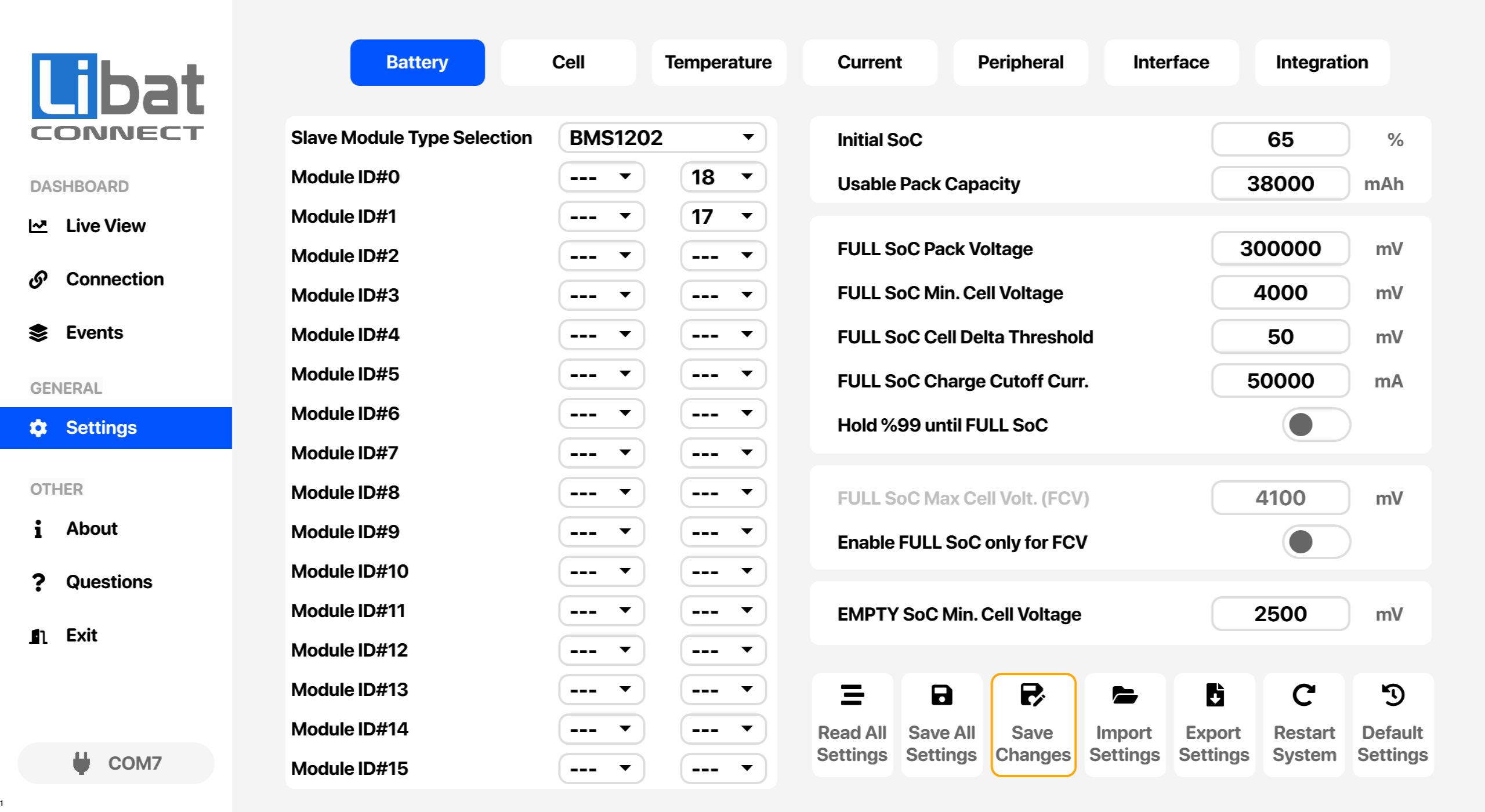
The same seven buttons sit at the bottom of every settings tab. They read settings from the battery management system, write them back, move them to and from a file, restart the system or restore the factory settings.
Danger
Default Settings erases all current settings. Export your settings before using it.
Fig.7.8.1: Settings Buttons
Table.7.8.1: Settings Buttons Descriptions
| No. |
Description |
| M4 |
Selection tab for Settings. |
| B1 |
Read All Settings. Reads every setting from the BMS memory into LiMon. |
| B2 |
Save All Settings. Writes every setting shown in LiMon to the BMS memory. |
| B3 |
Save Changes. Writes only the settings you changed; warns if nothing was changed. |
| B4 |
Import Settings. Loads settings from a file into LiMon. |
| B5 |
Export Settings. Saves the current settings to a file, for example as a backup. |
| B6 |
Restart System. Restarts the BMS. |
| B7 |
Default Settings. Restores the factory settings after a confirmation. All current settings are lost, so export a backup first. |