1. DIS110 Introduction
LiBat™ DIS110 is a small display for a LiBat™ BMS. It reads the battery status from the BMS over CAN and shows the state of charge on a 10-segment LED bar; four status LEDs show its Wi-Fi, Bluetooth and CAN state and the status LED of the BMS. The DIS110 is normally powered by the BMS, and its BMS button starts the BMS; it can also run from a separate 12 V or 24 V supply. It also gives a phone or a laptop wireless access to the battery: the LiBat Dashboard mobile app reads it over Bluetooth Low Energy, and a web interface on its own Wi-Fi hotspot holds its settings. The DIS110 is not a BMS; it only presents the data that the BMS sends. How it is connected is on the connection page, what it shows on the operation page.
Key Features:
- Board size 60 mm x 60 mm; optional enclosure with two panel mounting brackets (DIS110-E)
- 10-segment LED bar for the state of charge, about 10 % per segment, from red to blue
- 4 status LEDs: Wi-Fi, Bluetooth, CAN and the status LED of the BMS
- Display button and BMS button on the front
- CAN 2.0b to the BMS, LiBat™ CAN protocol v2, bit rate found automatically
- Bluetooth Low Energy for the LiBat Dashboard mobile app
- Wi-Fi hotspot with a web interface for its settings and firmware updates
- Supplied by the BMS on the same connector, or by a separate supply, 12 to 80 V
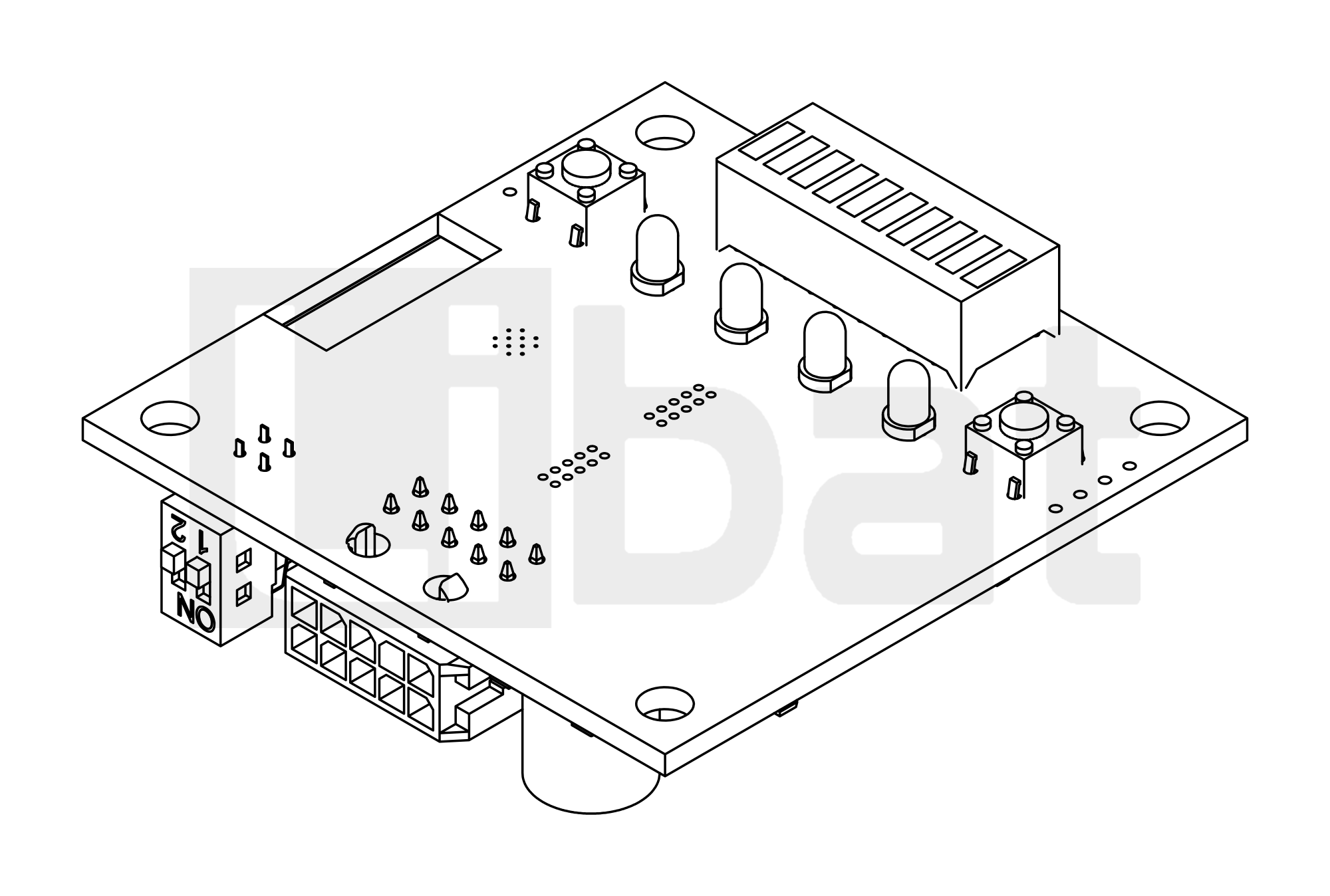
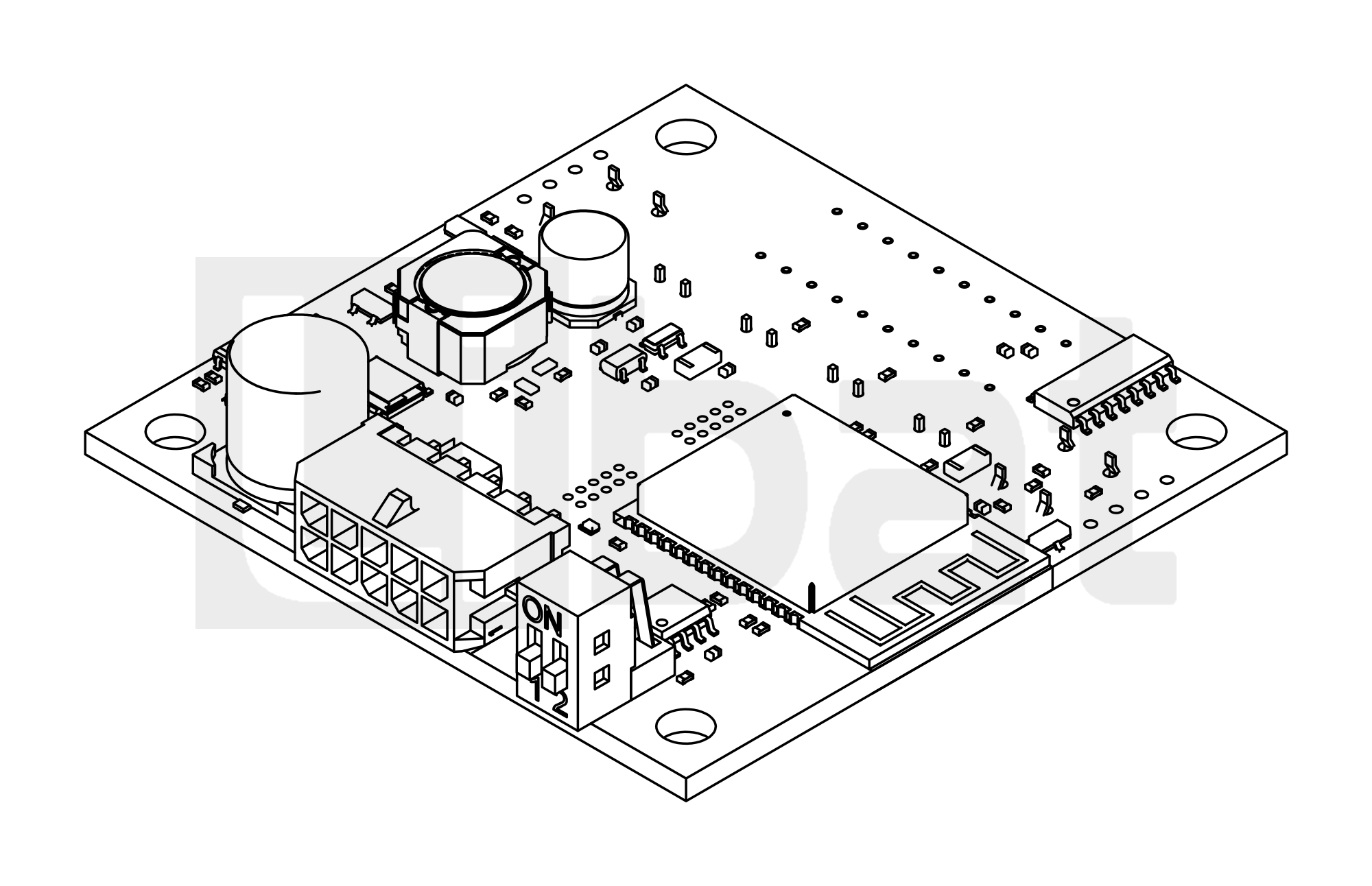
Table.1.1: DIS110 Technical Specifications
| PARAMETER | SPECIFICATIONS |
|---|---|
| Supply | 12 V to 80 V on connector 8, from the VIN+ output of the BMS or from a separate supply |
| Display | LED bar, 10 segments from red to blue: the state of charge |
| Status LEDs | 4: Wi-Fi, Bluetooth, CAN and BMS STAT |
| Buttons | Display button (Wi-Fi wake-up and the device menu), BMS button (starts the BMS when the BMS supplies the DIS110) |
| CAN | CAN 2.0b, LiBat™ CAN protocol v2; bit rate found automatically or set to 125, 250, 500 or 1000 kbps; 120 Ω termination on DIP switch lever 1 |
| Wireless | Bluetooth Low Energy (LiBat Dashboard mobile app), Wi-Fi hotspot with a web interface |
| Firmware | Updated in the field from the web interface; the wiki describes firmware 1.3 |
| Connector | 10-pin connector to the BMS (connector 8) |
| Mounting | Four holes ⌀4.2 mm in the corners |
| Dimensions | 60 mm X 60 mm X 20.4 mm; 62.5 mm with the connector; enclosure 77.5 mm X 77.5 mm X 26.5 mm |