1. DIS700 Introduction
LiBat™ DIS700 is a 7-inch touchscreen display for a LiBat™ BMS. It reads the battery status that the BMS sends over CAN and shows it on five pages: the battery at a glance, every module, the cells of a module, the BMS events as coloured tiles and the details of the BMS and the DIS700. A status LED on top turns green or red with the battery state, and an on/off button switches the DIS700 on and off. A phone or a laptop can reach the same data: the LiBat Dashboard mobile app over Bluetooth Low Energy, a browser over the Wi-Fi of the DIS700 (4.6 and 4.7). The DIS700 is not a BMS; it only presents the data that the BMS sends. How it is connected is on the connection page, what it shows on the operation page.
Note
The DIS700 comes without an enclosure (order code DIS700) or in an enclosure on two rotating mounting brackets (DIS700-E). The figures of this wiki show the DIS700-E; the connector and the screen are the same on both.
Key Features:
- 7-inch capacitive touchscreen, 1024 x 600
- Five pages: Main, Modules, Cell, Events and Settings
- Status LED (green or red) and on/off button on top
- CAN 2.0b to the BMS, LiBat™ CAN protocol v2, bit rate found automatically; isolated
- Up to 16 modules, 18 cells and 5 temperature sensors per module
- Bluetooth Low Energy for the LiBat Dashboard mobile app, Wi-Fi with a web interface
- Remote display: shows the battery over Bluetooth from a DIS110 or DIS700 at the battery, without a cable to the BMS (4.8)
- Supplied by the BMS, 18 to 80 V, or by a separate 12 V supply, on one 8-pin circular connector
- Enclosure on rotating brackets: tilt it to any viewing angle and fix it to any surface (DIS700-E, 5. Mechanical)
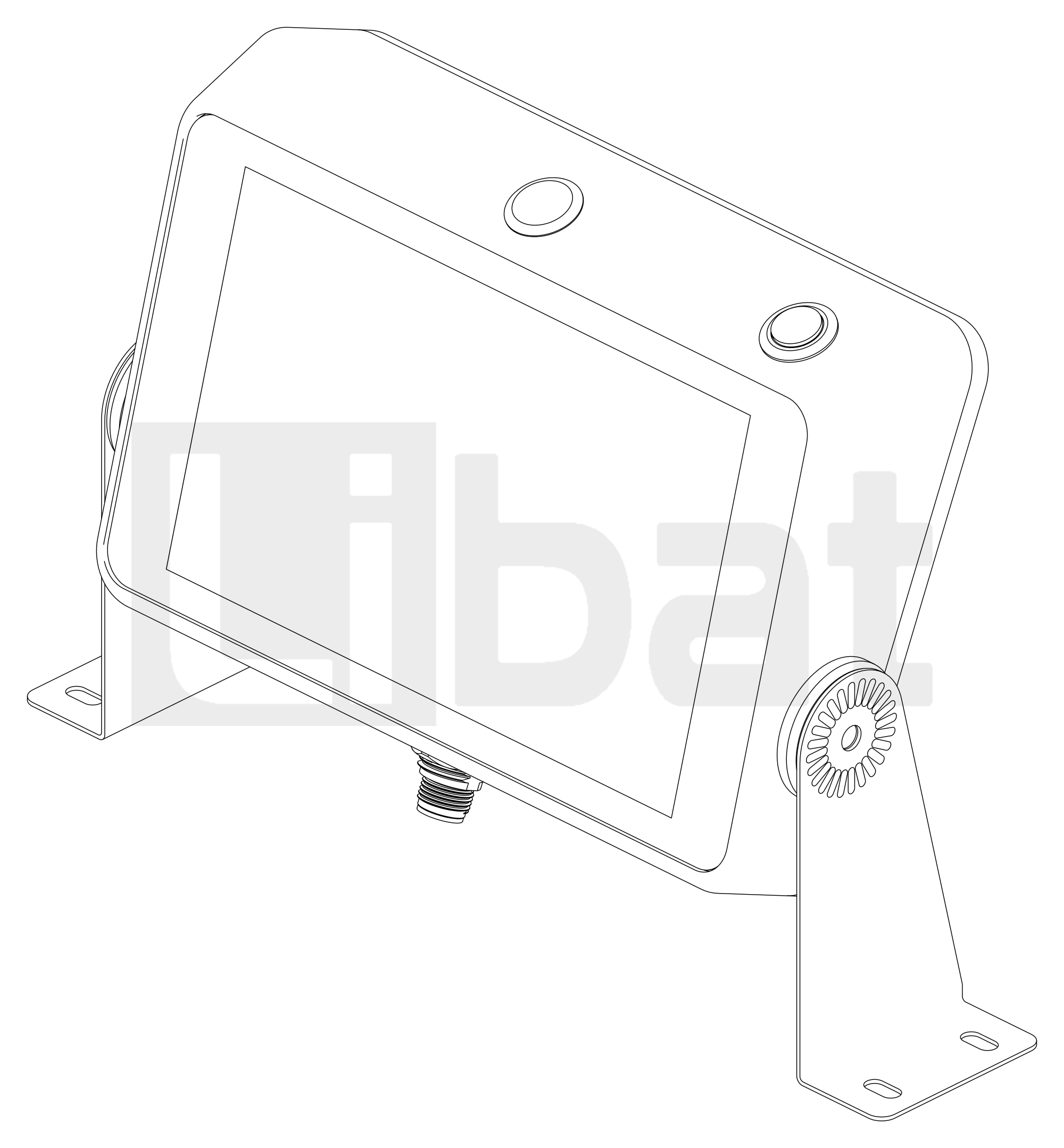
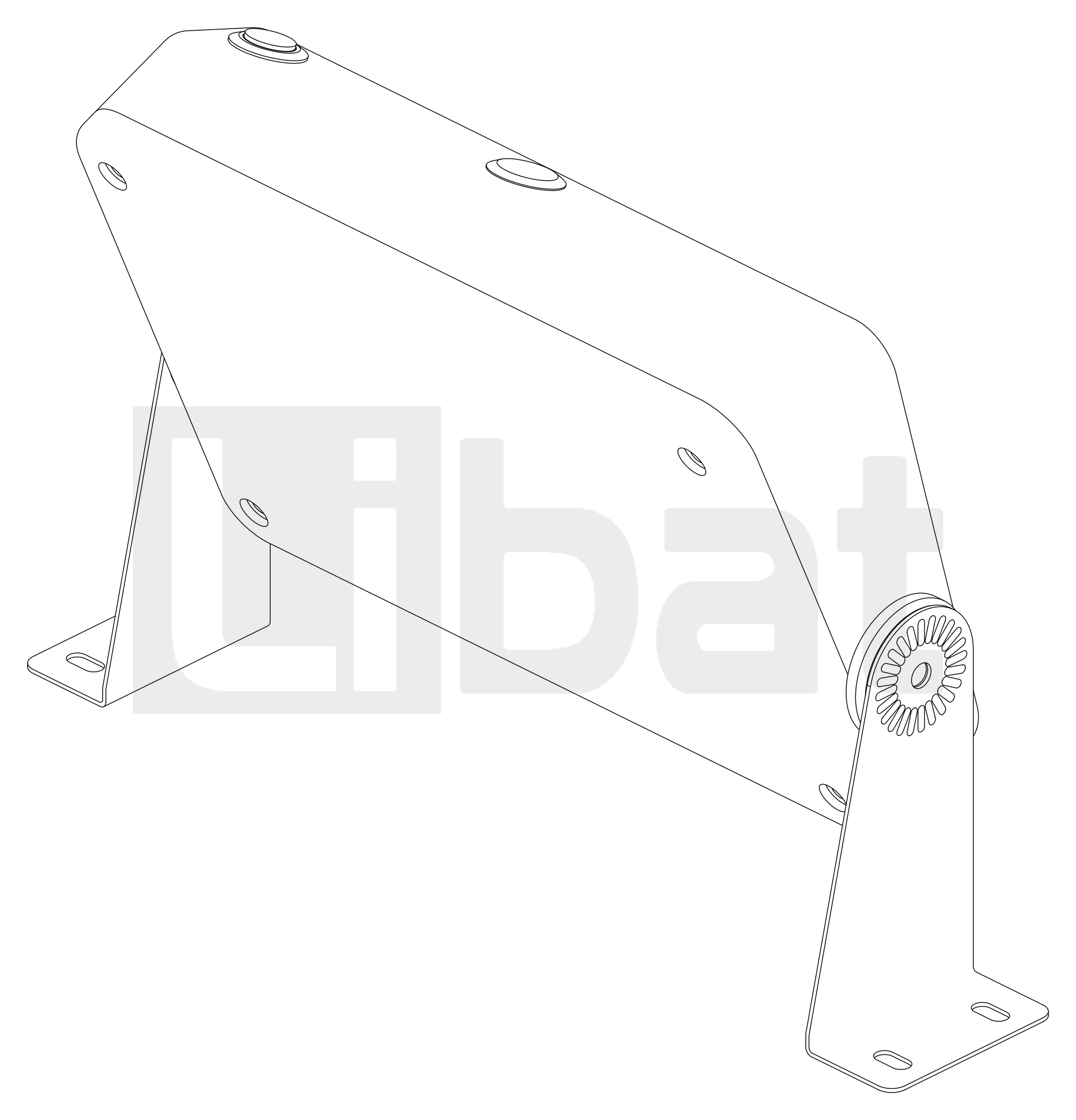
Table.1.1: DIS700 Technical Specifications
| PARAMETER | SPECIFICATIONS |
|---|---|
| Supply | 18 V to 80 V on pin 6 of connector 3, from the VIN+ output of the BMS, through the on/off button; or 12 V (10.8 V to 13.2 V) on pin 5 |
| Display | 7-inch IPS touchscreen, 1024 x 600, capacitive |
| Status LED | Green: BMS data, no error; red: an error or no BMS data |
| Button | On/off button |
| CAN | CAN 2.0b, LiBat™ CAN protocol v2, isolated; bit rate found automatically (125, 250, 500 or 1000 kbps); BMS base frame ID 0x0AAA by default |
| Wireless | Bluetooth Low Energy (LiBat Dashboard mobile app, remote display), Wi-Fi with a web interface |
| Firmware | Updated in the field; the wiki describes firmware 1.3.5 |
| Connector | 8-pin circular connector underneath (connector 3) |
| Mounting | DIS700-E: two rotating brackets, the viewing angle set by hand; two slots 4.8 mm X 9.8 mm in each foot |
| Dimensions | Enclosure 205.1 mm X 138 mm X 54.2 mm, 151.7 mm high with the connector; DIS700-E on its brackets 267.9 mm wide |